Reporting an absence and reaching the school: the app, the 8 a.m. rule, and when to phone
学校への連絡(すぐーる等のアプリ・欠席連絡・電話)
- Applies to
- All of Japan
- Source last checked
- , Open the Japanese source
- Official source
- 家庭と学校の連絡システム『すぐーる』の登録について(横浜市立大曽根小学校、令和8年2月4日付け保護者通知、学校ページ掲載)
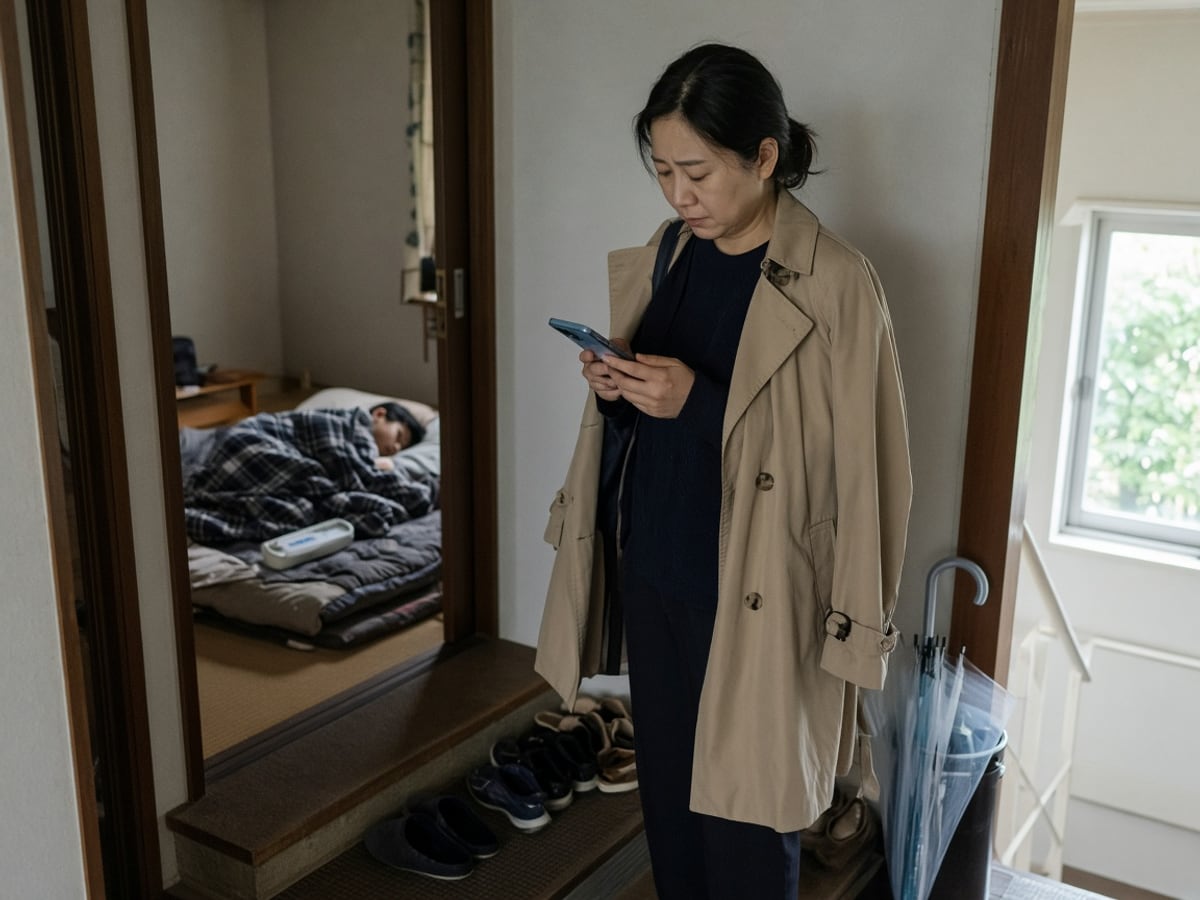
Japanese schools have moved the daily parent contact off paper and on to a phone app. In Yokohama every city school uses すぐーる (sugūru), and Setagaya's ward kindergartens, elementary and junior high schools use the same one. Bunkyo uses C4th Home & School. Whatever the name, the app is where absences are reported, where the school's notices arrive, and where a weather closure is announced. If you are not registered, you are not being told.
Register in the first week
The Yokohama notice sets the terms most schools copy:
本通知をお受け取り後 1 週間以内にご登録ください。お子様ひとりにつき、保護者様の端末を4台まで登録が可能です。
Register within a week of the paper that carries the registration code, and up to four devices per child, so both parents and a grandparent can all see the same message. The code comes home on a slip (Setagaya calls it the こどもID通知); it is per child, so two children need two registrations. Setagaya adds a detail that catches people out: since December 2022 the board's emergency messages and its ordinary notices go through different channels, and the ordinary one needs its own registration:
「緊急連絡以外の案内、行事等」を受信するためには、「世田谷区教育委員会からのお知らせ」チャネル登録が必要となります。
The absence report and the 8 a.m. rule
The app replaces the phone call and the 連絡帳 for absence, lateness and early leaving:
電話や連絡帳を使わず、欠席・遅刻・早退連絡をします。
アプリでの連絡は、原則として当日の8時00分までにお願いします。当日の8時00分以降に連絡する場合や緊急の用件に関しては電話にてご連絡ください。
Send it by 8:00 on the day. After 8:00, or for anything urgent, the school wants a phone call. The form asks for the child, the date (several days can be ticked at once), the type (欠席 absence, 遅刻 late, 早退 leaving early) and a reason; a short reason is enough (発熱 fever, 通院 clinic visit, 家庭の都合 family reasons).
The same app carries the school's messages and PDFs, surveys to answer, and a timeline of the paper handouts. The Yokohama notice also lists an auto-translation setting:
言語設定を行うことにより、本文のメッセージが自動で翻訳されます。
The languages it names are English, Chinese (simplified and traditional), Korean, Portuguese, Tagalog, Spanish, Vietnamese, Indonesian, Thai, Hindi, French and Nepali. The translation covers the message text, not the PDF attached to it; for the attachment, use the scanner.
When you phone, and what to say
Families report that a school's office answers from a little before the first lesson and that nobody picks up after the teachers leave in the early evening; the app's own help desk is Japanese-only (※日本語対応のみ). Three calls cover most of a year:
| Situation | Say |
|---|---|
| Absence after 8:00 | 〇年〇組の〇〇の保護者です。本日、発熱のため欠席させます。 |
| Asking for a meeting with the class teacher | 担任の先生と面談をお願いしたいのですが、ご都合のよい日時を教えていただけますか。 |
| Asking for help with a notice | 日本語が十分に読めないので、このお知らせについて説明していただけますか。 |
Say the grade, class and child's name first; the office transfers you or takes a note. For anything that needs a reply in writing, the 連絡帳 is still the right channel at most elementary schools; its phrases are in renrakuchō phrases.
Who to contact for what
| Need | Channel |
|---|---|
| Absence, late, early leave | App by 8:00; phone after |
| A question about homework, a lost item, a fee | 連絡帳 or the app's message reply if the school has turned it on |
| A meeting | Phone the office or write in the 連絡帳; the school proposes a time |
| An emergency during the day | Phone; the school also phones you, so keep the number on file current |
| A complaint or a problem the class teacher has not solved | Start with the class teacher, then the ladder in who to call when something goes wrong |
What goes wrong
- Only one parent registered, on a phone that is in a meeting all morning. Use the four slots.
- Registration done, but the ward board's second channel skipped, so the event notices never arrive (Setagaya's warning above).
- An absence sent at 8:20 through the app and not phoned, so the school calls you, then calls your emergency contact.
- The app changed version and asked for a re-registration; the Yokohama school's page carries a manual for each version, and the school office will re-issue the code.
- A new school after a move needs a new registration. The app does not follow the child.
What to do now
- Find the registration slip in the entry packet; register every caregiver's phone within the week.
- Set the app's language, then send one test absence report on a day you have already told the teacher about, to see what the school sees.
- Save the office number under the school's name, and the vendor's help line separately.
- Write the three phrases above into your phone's notes.
Each school writes its own cut-off time and channel list. Verify with the registration paper from your school.
Your child's dates, not the general ones
Add your child and ward. The timeline does the rest.